의존성 추가해주기 - build.gradle
	// redis
    implementation 'org.springframework.boot:spring-boot-starter-data-redis'


	// Mongo DB
    implementation 'org.springframework.boot:spring-boot-starter-data-mongodb'
redis application.yml - local 연결용
  data:
    redis:
      host: localhost
      port: 6379
mongodb 연결 시에 host/port 가 아니라 uri 로 한 줄만 쓰는 것이 표준이라고 한다!
data:
	mongodb:
    	uri: <mongodb-connection-string>
또한, mongodb 서비스를 시작하는 명령어는 mac의 경우
brew services start mongodb/brew/mongodb-communityredisConfig도 작성해준다
package com.practice.blog.global.redis;

import org.springframework.cache.annotation.EnableCaching;
import org.springframework.context.annotation.Bean;
import org.springframework.context.annotation.Configuration;
import org.springframework.beans.factory.annotation.Value;
import org.springframework.data.redis.connection.RedisConnectionFactory;
import org.springframework.data.redis.connection.lettuce.LettuceConnectionFactory;
import org.springframework.data.redis.core.RedisTemplate;
import org.springframework.data.redis.serializer.GenericJackson2JsonRedisSerializer;
import org.springframework.data.redis.serializer.StringRedisSerializer;

@Configuration
@EnableCaching // 캐싱 기능 활성화
public class RedisConfig {

    @Value("${spring.data.redis.host}")
    private String host;

    @Value("${spring.data.redis.port}")
    private int port;

    @Bean
    public RedisConnectionFactory redisConnectionFactory () {
        return new LettuceConnectionFactory(host, port);    //Redis와 통신하기 위한 클라이언트 라이브러리
    }

    //redis template을 사용하여 redis에 직접 데이터를 저장하고 조회
    @Bean
    public RedisTemplate<String, Object> redisTemplate(RedisConnectionFactory redisConnectionFactory) {
        RedisTemplate<String, Object> template = new RedisTemplate<>();
        template.setConnectionFactory(redisConnectionFactory);
        template.setKeySerializer(new StringRedisSerializer());
        template.setValueSerializer(new GenericJackson2JsonRedisSerializer());
        return template;
    }
}
이렇게 다 작성했으면 이제 실습코드 실행을 위한 account관련 코드들도 추가해주면 된다!
mongodb의 경우 repository에서 mongodb에서 제공하는 repository를 사용하면 된다
import org.springframework.data.mongodb.repository.MongoRepository;

// AccountDocument의 Repository
public interface AccountDocumentRepository extends MongoRepository<AccountDocument, String> {
}
하나의 key에 2개 이상의 필드를 가진 객체를 저장하기 위해 Hash 구조 사용
● HSET : Hash의 특정 필드에 특정 값 할당. 이미 값이 존재할 경우 덮어씀
● HGET : 특정 필드의 값 반환
● HGETALL: 특정 키에 대해 저장된 모든 필드-값 페어 조회 가능
● HMGET : 특정 필드들의 값들 반환
● HINCRBY : 특정 필드의 숫자 값을 증가 혹은 감소시킴
실습 결과 - redis
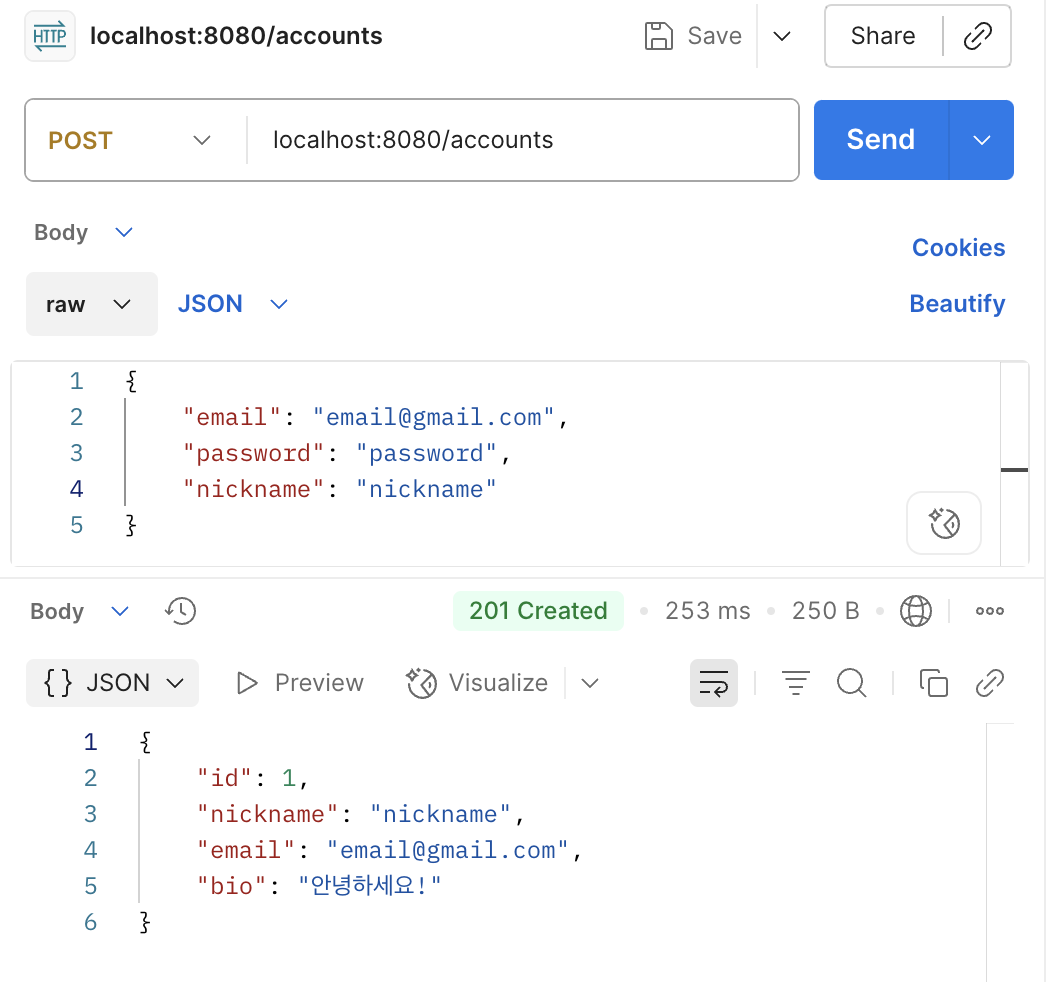
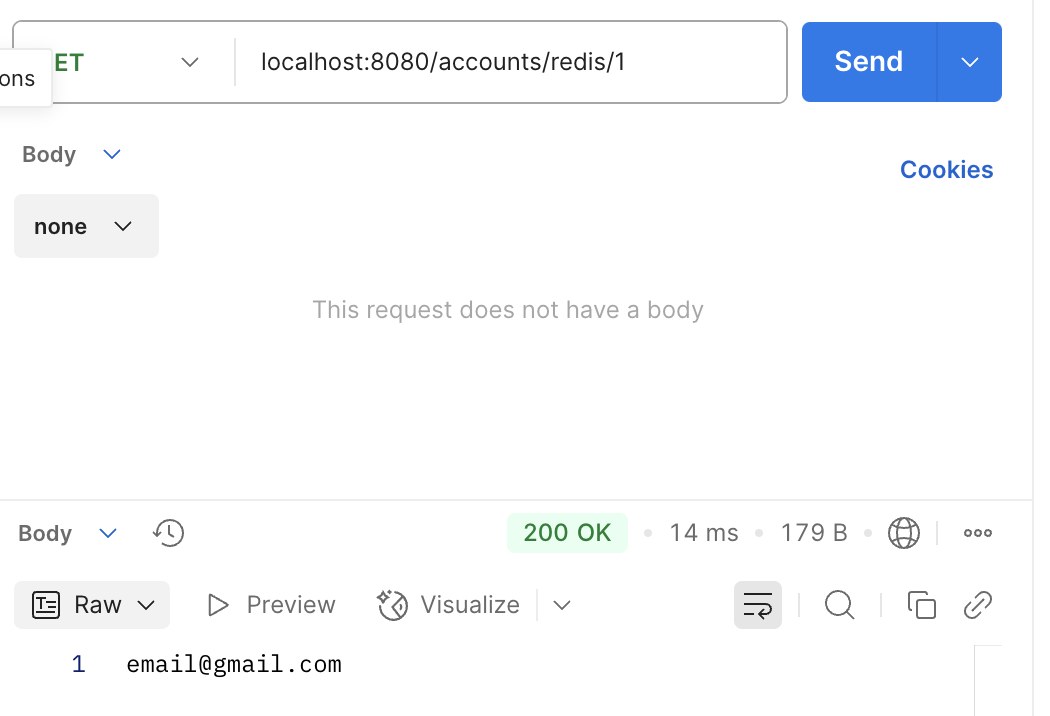
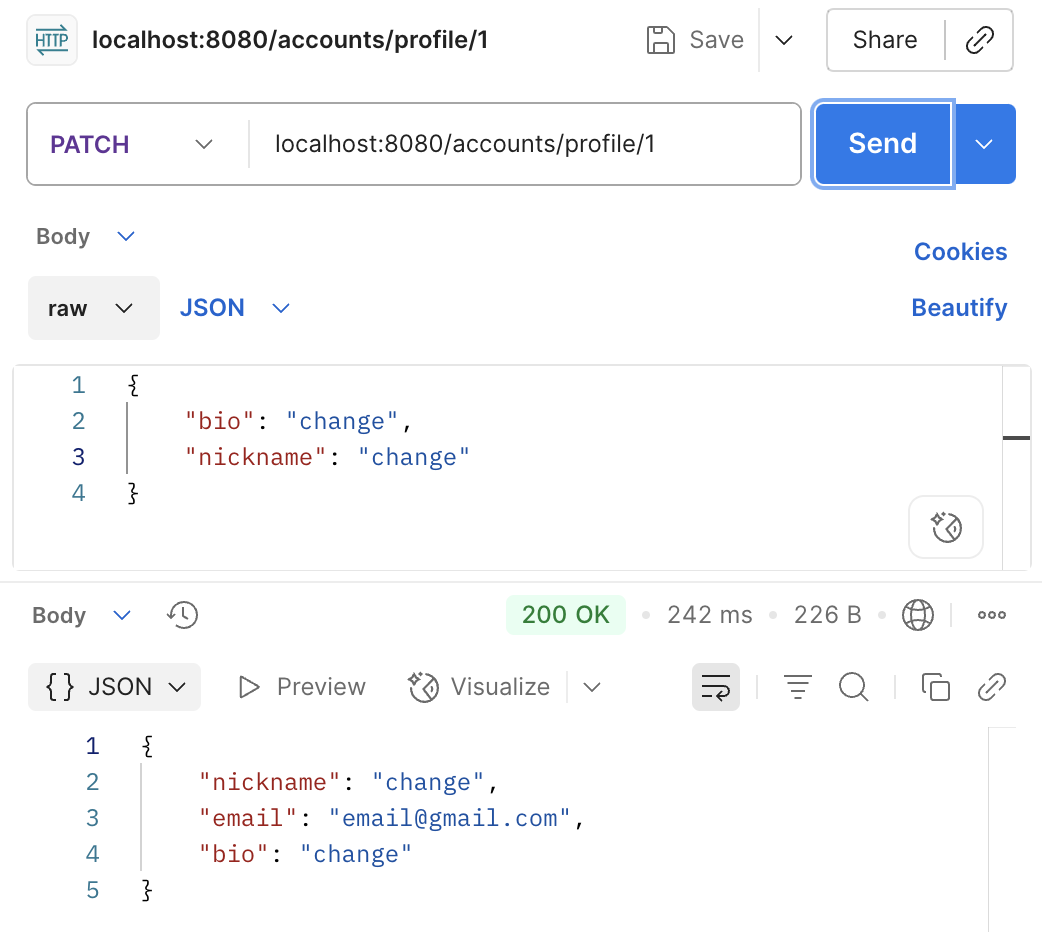
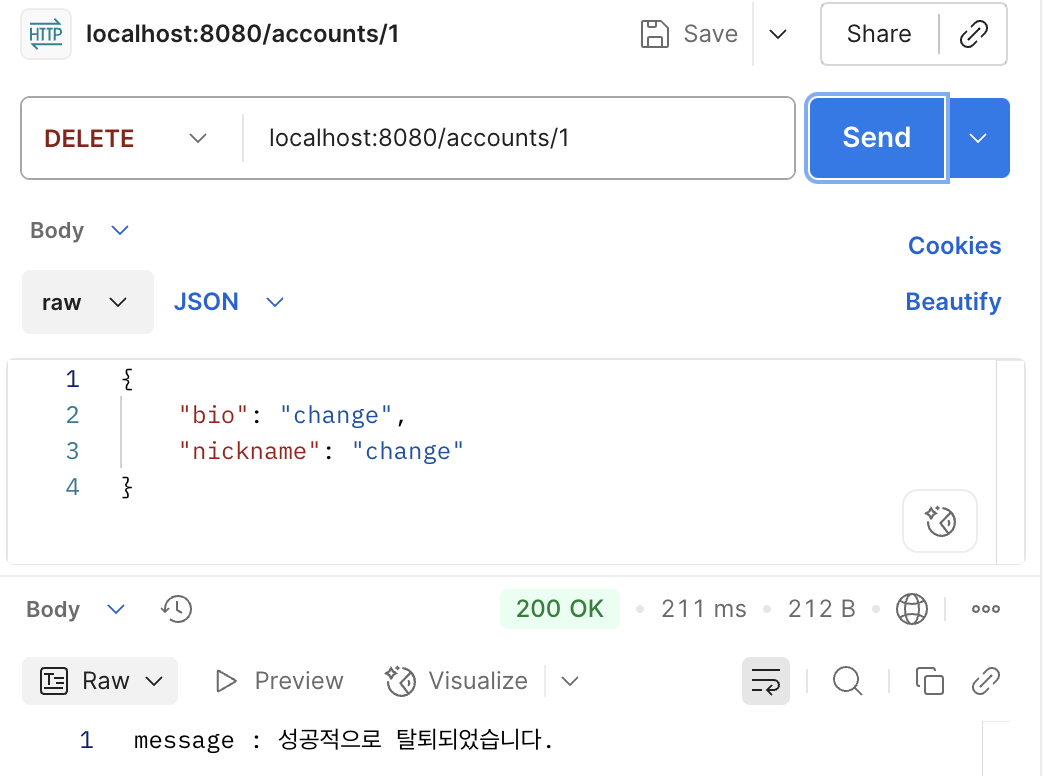
redis-cli 캡쳐를 깜빡했다 ㅎㅎ;;
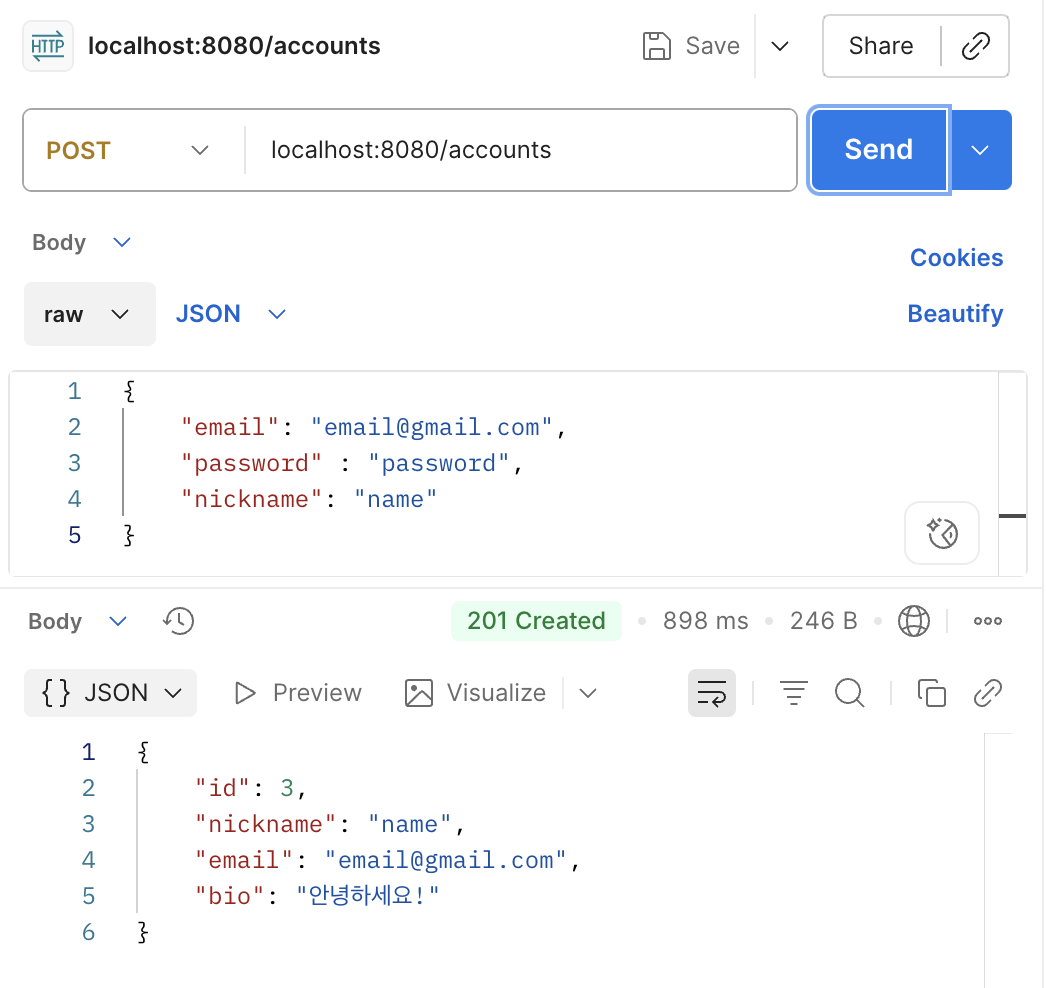
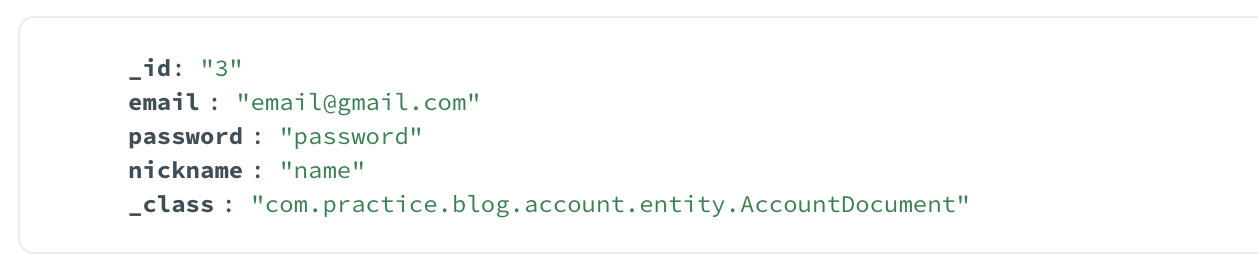
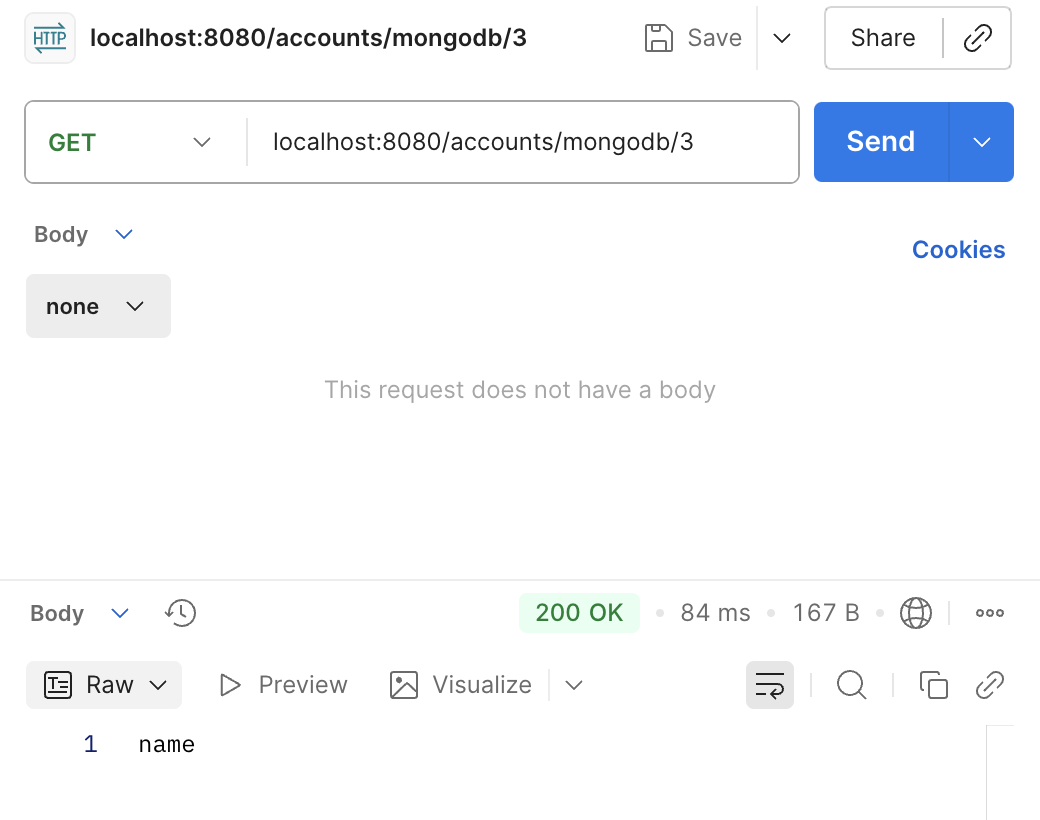
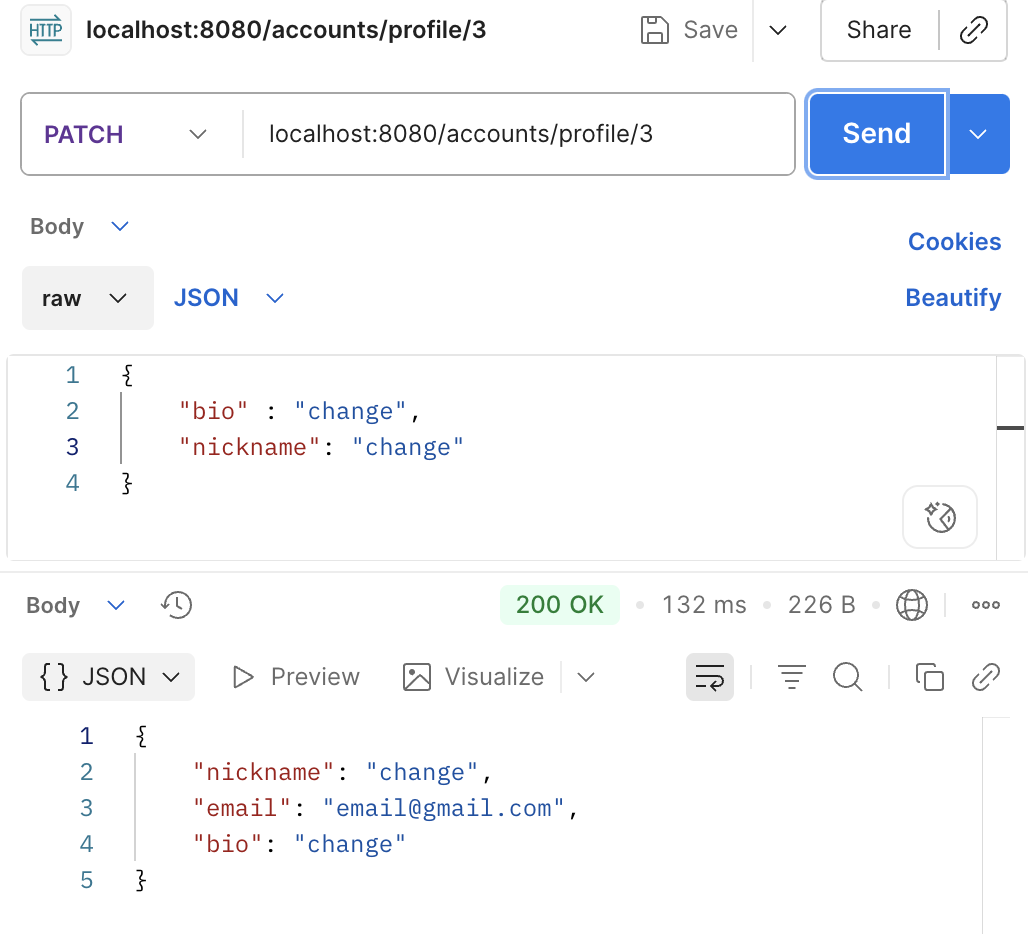
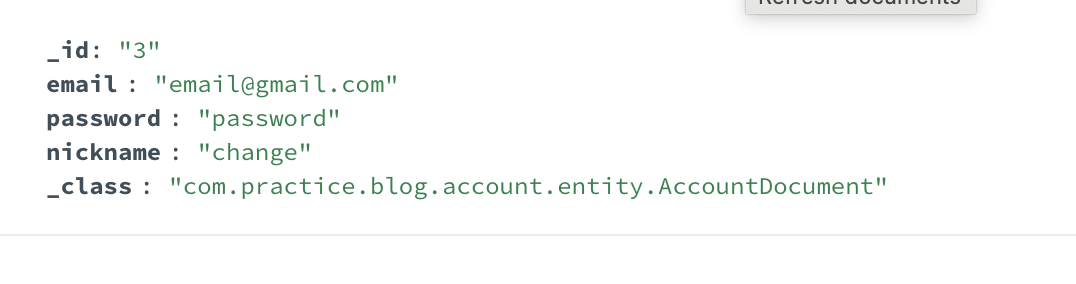
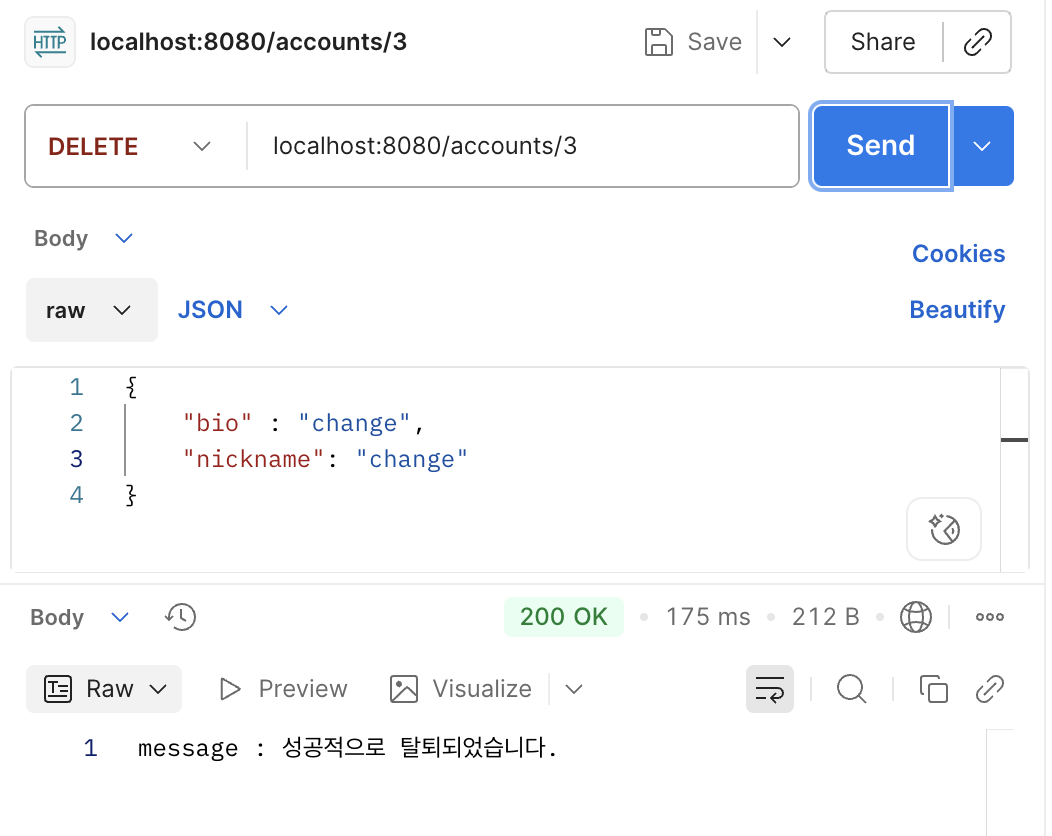
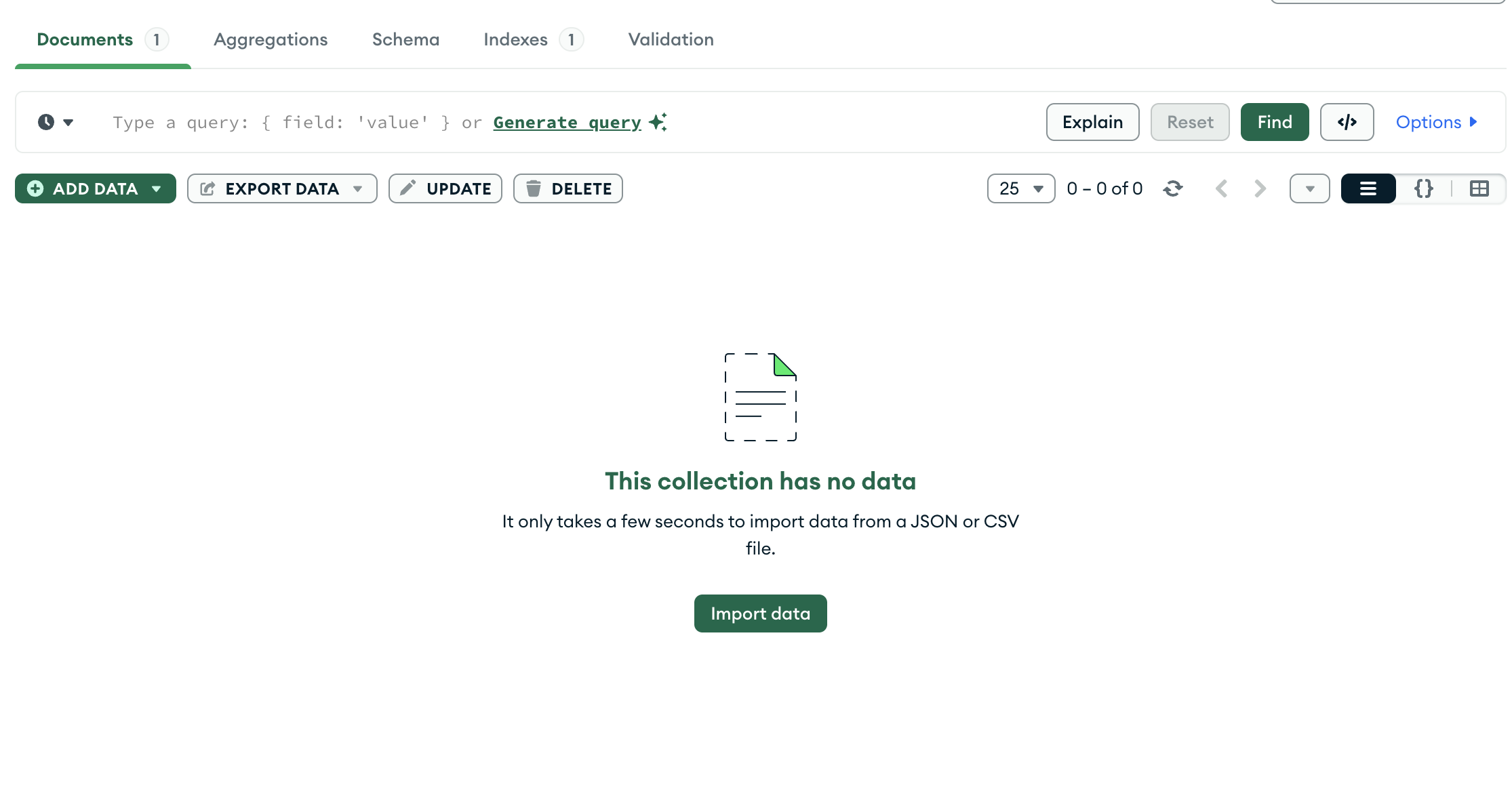
실습결과 - mongodb